Compliance audit software for every site
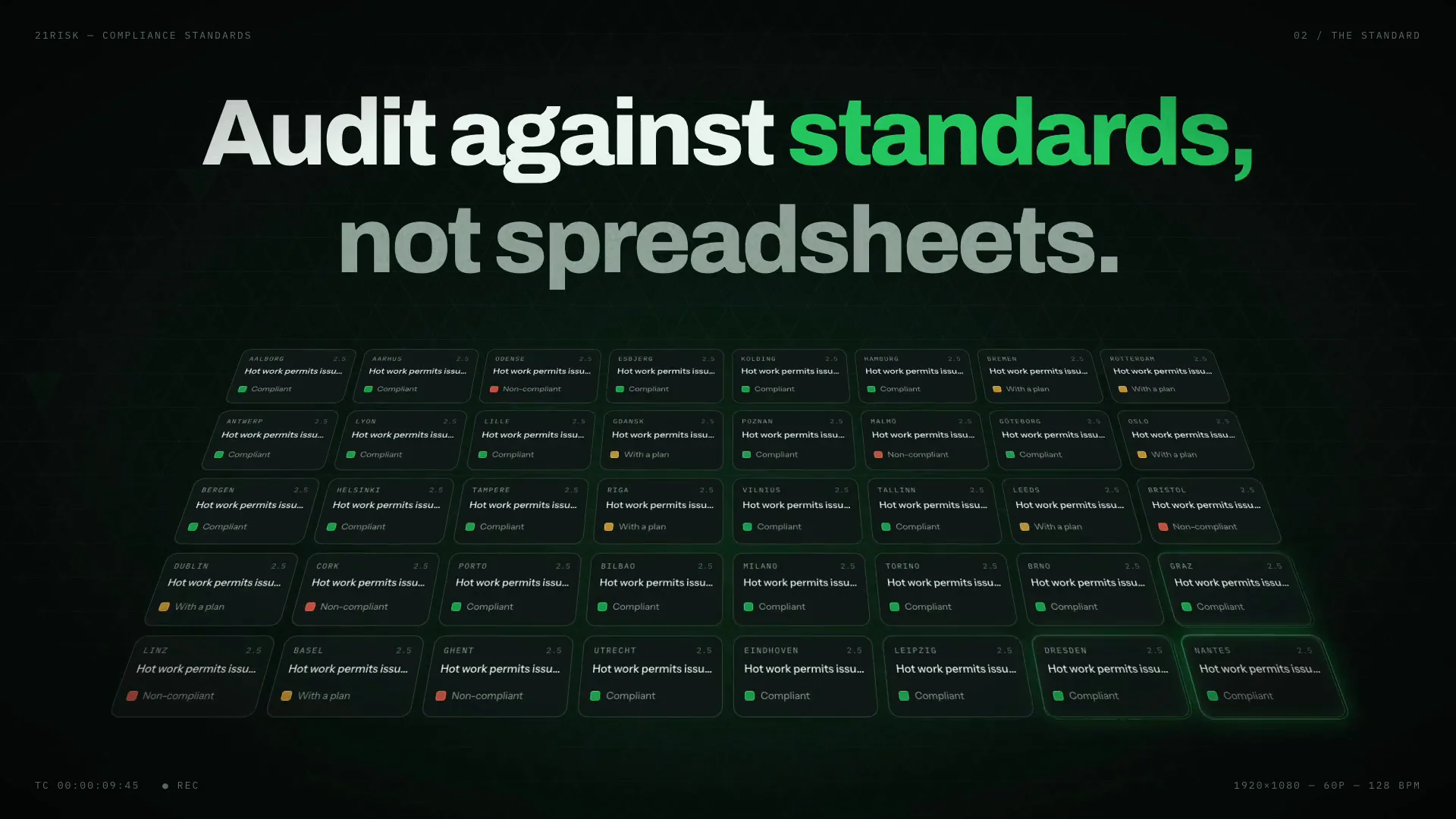
Audit against standards, not spreadsheets. Start from a library of expert-maintained checklists — fire safety, ISO, EHS — or build your own with a drag-and-drop editor. Distribute by QR code or invite third-party auditors.
Compliance standards in 35 seconds
One standard for every site, audits answered on the floor, and findings that become actions.
Audits that end up in a binder
The audit gets done. Then the result becomes a document, and the document becomes the problem.
The checklist is a file
Emailed out, filled in, emailed back. Nobody can see an answer without opening an attachment.
Forty sites, forty interpretations
The same standard read forty different ways, and no way to compare one site against another.
The finding stops at the report
The audit ends where the work should start, and the fix depends on somebody remembering.
From checklist to closed finding, in one place
Start from a library of expert-maintained checklists or build your own, answer where the work happens, and let findings become actions.
- 01
Pick or build the checklist
Fire safety, ISO and EHS frameworks from the library — or your own, with a drag-and-drop editor.
- 02
Answer where the work happens
Put a QR code on the wall. Audits get answered on the floor, on any device.
- 03
Findings become actions
A non-compliance does not need re-typing into a second system before anyone can fix it.
| # | Question | Status |
|---|---|---|
| 2.4 | Sprinkler control valves locked open and inspected | Compliant |
| 2.5 | Hot work permits issued for all cutting & welding | Non-compliant Compliant |
| 2.6 | Flammable liquids stored in approved cabinets | Non-compliant with a plan |
| 3.1 | Fire pump churn test performed weekly | Compliant |
| 3.2 | Emergency lighting tested and documented | Compliant |
What you get with compliance standards
Pre-built checklists
Fire safety, ISO standards and EHS frameworks, maintained by experts — or clone one and make it yours.
Audits where the work happens
Put a QR code on the wall. Daily, weekly or one-off audits get answered on the floor — no login friction.
Bring in outside auditors
Invite brokers, insurers and specialists into exactly the audits they need — nothing more.
See which sections and sites need help
Compliance across every question and site, open and overdue questions, and each section's score with how many sites are fully compliant in it. Progress over time is built from the changes to each question, so adding sites or questions is shown as what it is, not as work undone. Click any row or number to open the questions behind it.
Every quarter's check, on the record
Give a question an interval and choose how it expires. With fixed periods, a quarterly extinguisher inspection is due once per calendar quarter at every site, and only evidence attached in that quarter counts. With rolling expiration, training that is valid for 12 months expires 12 months after each site last closed or verified it.
Each answer's activity can be read period by period: the status it ended on and the files and comments added in it. A quarter where nothing happened keeps the expired status it started with, so a missed check stands out a year later.
- Q4 2026 CURRENT 1 Oct – 31 Dec Compliant 2 files · 1 comment
- Q3 2026 1 Jul – 30 Sep Compliant 3 files · 2 comments
- Q2 2026 1 Apr – 30 Jun Verification due 0 files · 0 comments
- Q1 2026 1 Jan – 31 Mar Compliant 2 files · 0 comments
Every site's compliance, ready for the auditor
Each site has one page with every question it answers, its sub-tasks, responsibles and due dates. Switch it to the timeline to see how each answer got where it is: how long it sat at To do, when it was completed, when it was verified, and whether it held. Saved reports are marked along the way, so you can see what changed between two of them.
When someone needs a file, the Actions menu downloads the page as a PDF, exports the questions to Excel, or has the AI write a Word report of the site with what needs attention and the next steps.
Frequently asked questions
Which standards are in the library?
Fire safety, ISO standards and EHS frameworks are maintained for you. You can clone any of them and adjust the wording to how your organisation actually works.
Can we build our own checklists?
Yes, with a drag-and-drop editor. Most teams start from a library checklist and edit it rather than starting from an empty page.
Can we bring in external auditors?
Yes. Brokers, insurers and specialists can be invited into exactly the audits they need to see, and nothing else.
What about checks that have to be repeated, like yearly training?
Give the question an expiration interval, such as every 12 months for first aid training or every month for an eyewash test. Each site’s answer then shows when it was closed or last verified and when it expires. When the check has been done again, the site clicks Verify, with a comment or new evidence if needed. An answer that is not verified again in time moves out of its closed status on its own, to a status you choose such as Verification due, so the board’s compliance shows the overdue check straight away.
Should a check expire in fixed periods or on a rolling basis?
Fixed periods suit checks that belong to a period, such as a quarterly extinguisher inspection: a 3-month interval from 1 January gives the calendar quarters, every site closes or verifies its answer once per quarter, and doing it early does not move the deadline. Rolling suits checks that stay valid for a set time from the day they were done, such as training that is valid for 12 months: each answer expires one interval after it was closed or last verified. Each question has its own choice, so one standard can mix both.
Can we require new evidence every period?
Yes. Add a Files attached rule to the closed status, and with fixed periods only files attached in the current period count. Last quarter’s inspection report does not close this quarter’s check. Earlier periods keep their files, so you can still show what was attached in each one.
Can we map our controls to SOC 2 or ISO 27001?
Yes, in Frameworks and Controls. Checklists here are what your sites answer in audits; Frameworks and Controls holds the controls your organization runs and maps each one to the requirements it meets in SOC 2, ISO/IEC 27001, ISO 14001, ISO 45001 or your own framework.
Can we show an auditor how a site’s answers changed over time?
Yes. A site’s page has a Timeline view: one row per question, coloured by the answer’s status as it moved, with a dot where it was verified, hatching where the question did not apply and a marker for every saved report. It opens on the last year by quarter, and you can switch to weeks, months or years, or go back over all history.
Can we export a site’s compliance to PDF, Excel or Word?
Yes, from the Actions menu on the site’s page. Download the page as a PDF as it stands right now, export the questions with their statuses, responsibles, due dates and costs to Excel, or save a report to keep a fixed record. If AI is enabled for your organization, Word report with AI writes a report of the site with key figures, audit dates, what needs attention and next steps, and you can ask the chat for changes.
How do we report compliance to management?
Every Compliance board has an Analytics page: overall compliance, open and overdue questions, compliance per section, how sites spread across compliance bands, and compliance over time for the last 30 days, 90 days, a year or your own dates. It takes the same filters as the Questions table, so one site group, tag or owner gets its own answer. When you need a fixed record, save a report for the site.
Audit against the standards you already follow
From checklist library to closed findings — on the same sites as your insurance data.